
TT Badges & Product Labels
TT Badges & Product Labels is a no-code visual app for Shopify merchants. Build storefront content blocks (trust badges, buttons, coupons, brand icons, product image labels, and more) through the admin editor and wizard, and control exactly which pages and visitors see each block.
→ Install on the Shopify App Store
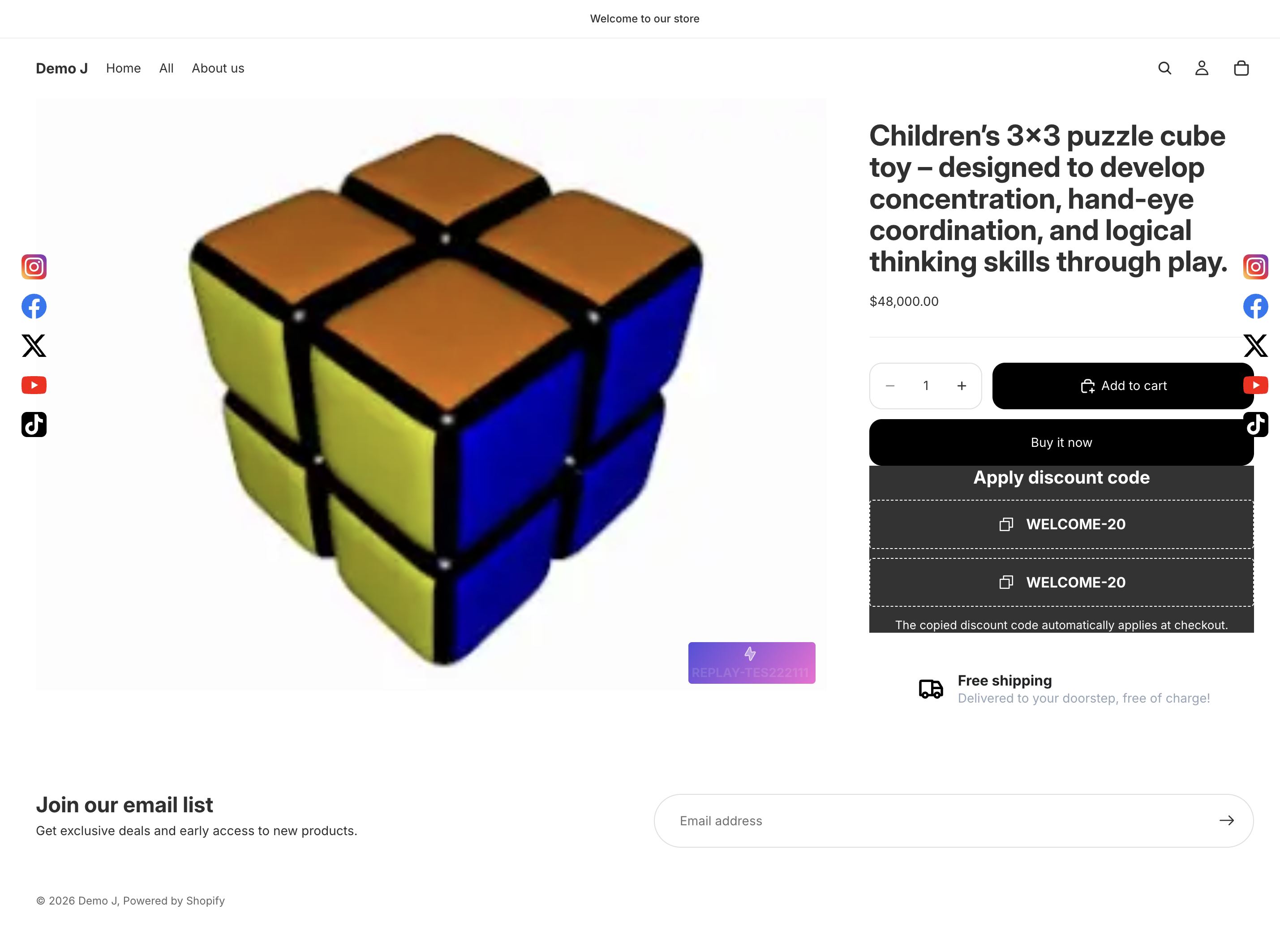
What problem it solves
Section titled “What problem it solves”Adding storefront content blocks usually means editing theme Liquid or installing several single-purpose apps. TT Badges & Product Labels bundles visual component editing + display rules + localization into one app, so merchants can:
- Avoid theme code — blocks inject through a Theme App Extension
- Cover badges / buttons / coupons / brand icons / payment icons / product labels in a single app
- Use 8 visibility dimensions (pages / products / variants / customers / location / device / schedule / UTM) to control exposure
- Auto-switch translations by Shopify locale
Typical use cases
Section titled “Typical use cases”| Scenario | What to use |
|---|---|
| Product-page trust badges (“7-day no-fuss returns” / “Authentic guarantee”) | Trust Hero / Trust Marquee templates |
| Cart-page coupon prompt that auto-copies into checkout | Coupon component + cart placement |
| Footer row of Visa / Mastercard payment icons | Payment Icons component + footer placement |
| Floating WhatsApp / WeChat contact cluster in the bottom-right | Floating Icons + messaging preset |
| Product-image labels like “Sale 25%” / “New” | Label block + 4 built-in presets |
| Scheduled 11.11–11.13 promo that auto-publishes / expires | Schedule dimension + time window |
Components
Section titled “Components”11 component types, used standalone or composed:
- Heading / Text
- Button / Button List
- Badge / Badge List
- Brand Icon (item) / Brand Icons (container)
- Payment Icons
- Coupon
- Label chip (product-image only)
See Components.
Block types
Section titled “Block types”Three behavior modes, derived from placement:
- Complex — product page / cart / footer / other concrete placements (most common)
- Floating — viewport-edge floating
- Label — product-image overlay
See Block types.
Free vs Pro
Section titled “Free vs Pro”Free covers unlimited blocks, all 11 component types, all 7 placements, basic visibility rules, and a 5-product demo of Specific products. Pro unlocks advanced filters (Products / Variants / Customers), Country / Schedule / UTM targeting, Hide theme elements, and per-block Advanced CSS.
Full comparison: Plans and pricing.
Recommended reading path
Section titled “Recommended reading path”- Install and enable — from App Store install to enabling the theme app embed
- Quick start — 10 minutes through the basics
- Block creation wizard / Editor overview — go deeper
If you’re specifically building product-image labels, jump to Quick start (label).