
Storefront behavior
What customers see and do on the storefront when a block is published. Knowing this helps you choose the right placement and content for each block.
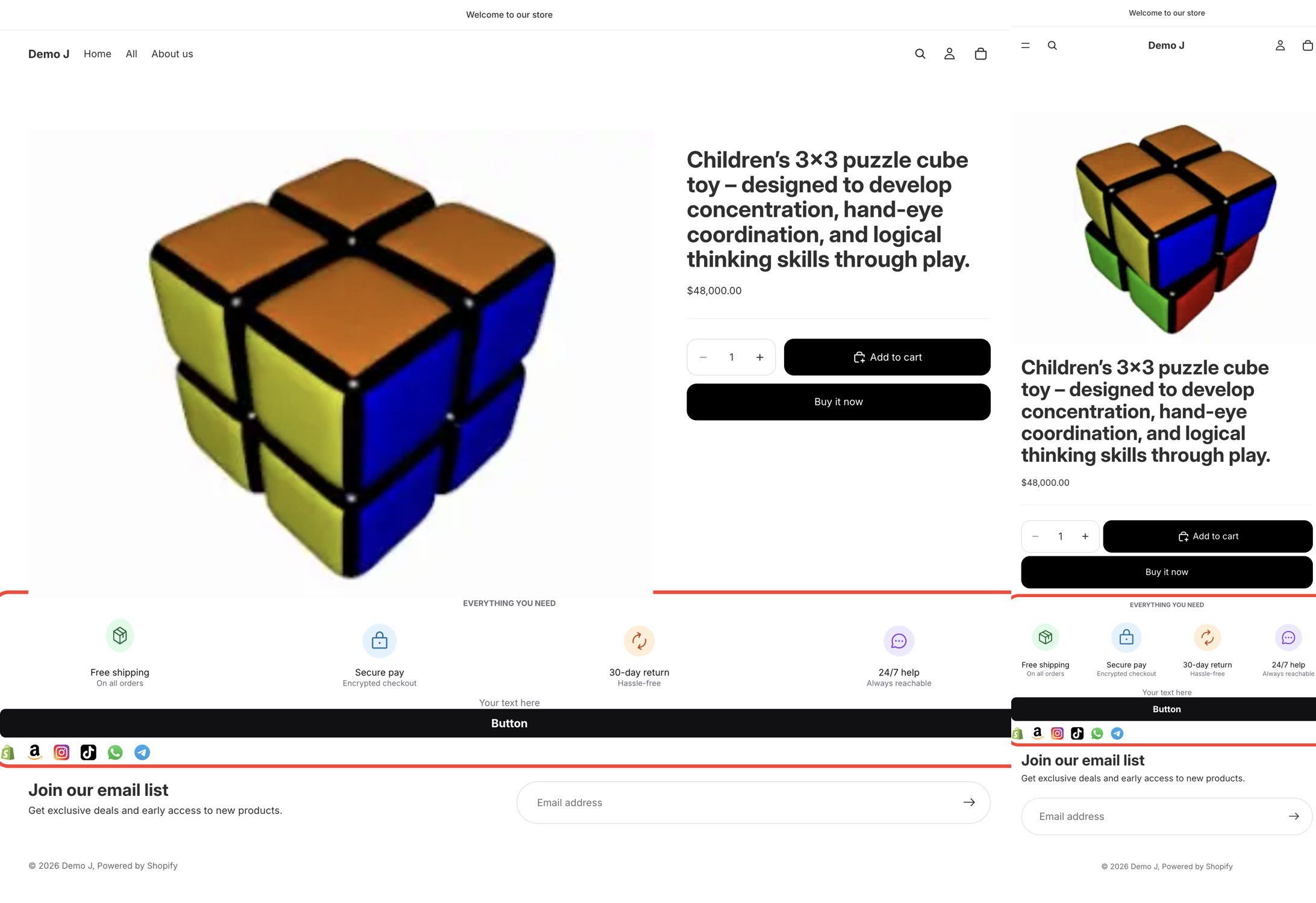
Responsive
Section titled “Responsive”- Same block adapts to desktop and mobile by switching field values (icon size / spacing / font size, etc.) — every visual field has a desktop value and a mobile value
- Default breakpoint is 768 px (matches most Shopify themes; tunable in Advanced settings)
- The editor’s desktop / mobile preview matches what customers see on those viewports
Coupon — click to copy and apply
Section titled “Coupon — click to copy and apply”Hint: “Copied to clipboard and applied to checkout.”
When a customer clicks a coupon code:
- The code is copied to the clipboard with a “Copied!” toast
- The discount is auto-applied to the next checkout (only if the code exists in your Shopify Discounts)
See Make coupon work.
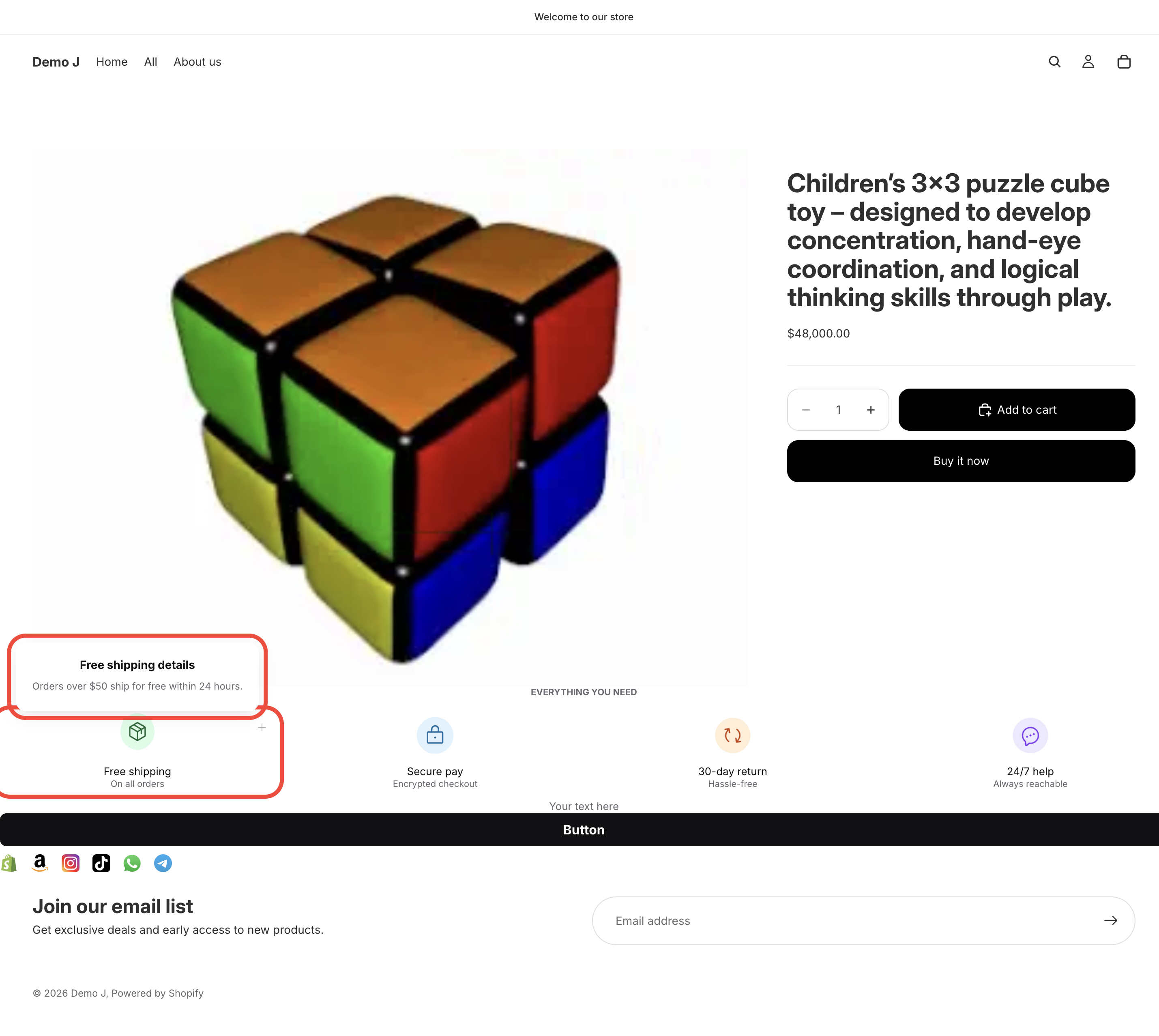
Badge popover
Section titled “Badge popover”- Trigger: Click or Hover (your choice in the editor)
- Content: title + description + link (optional)
- Close: click outside or press Esc
Multi-language
Section titled “Multi-language”Blocks read the buyer’s locale and show the translation you provided in the editor’s Languages tab. If a translation is missing for that locale, the default-language text is shown instead.
Performance
Section titled “Performance”- One shared script is cached on Cloudflare’s CDN
- Doesn’t block the theme’s first paint
- Bundle is small enough not to be noticeable on real shopper devices
Theme conflicts
Section titled “Theme conflicts”- Block fonts default to your theme’s font (you can override per block in the editor)
- z-index inherits from the mount point — no surprise stacking
- Block CSS is namespaced so it doesn’t leak into theme styles
Accessibility
Section titled “Accessibility”- All interactive elements (buttons, coupon click, popover triggers) support keyboard navigation
- aria-label / aria-describedby are added where needed
- Color contrast is determined by the color scheme you pick — please self-check
- Respects
prefers-reduced-motion(animations auto-degrade for visitors with reduced-motion enabled)
Browser support
Section titled “Browser support”See Reference — Browser support for the minimum versions.
- Block content is rendered client-side, which means search engines do not reliably index it
- For text that should be indexed (key marketing copy, product details), keep it in the theme’s native HTML, not in a block
- Google partially executes JavaScript and may pick up some rendered output, but this is not guaranteed
Analytics
Section titled “Analytics”Each block sends three event types when it appears on the storefront:
| Event | Trigger |
|---|---|
impression | Block was rendered for a visitor |
click | Visitor clicked a button, badge, brand icon, coupon, or payment icon inside a block |
error | Block failed to mount or render |
You can see aggregated impression and click data (last 30 days) in the Block list.
Render consistency
Section titled “Render consistency”What you see in the editor preview is what ships to the storefront — they share the same rendering path.
Label block (product image overlay)
Section titled “Label block (product image overlay)”The Label block has extra behavior on collection pages:
- It batch-fetches product data so the chips appear together, not one at a time
- It deduplicates: multiple Label blocks won’t overlay the same image twice
- If the product card image is wrapped in a link, the chip uses a click handler so it doesn’t break the card link