
Reuse block across multiple positions
Reuse the same block content across multiple scenarios: duplicate, change Placement or Display rules, publish each independently.
1. Find the block to reuse on the home page
Section titled “1. Find the block to reuse on the home page”Block list grid view or list view.
2. Click ⋯ → Duplicate
Section titled “2. Click ⋯ → Duplicate”After success, bottom-right toast: “Block duplicated”.
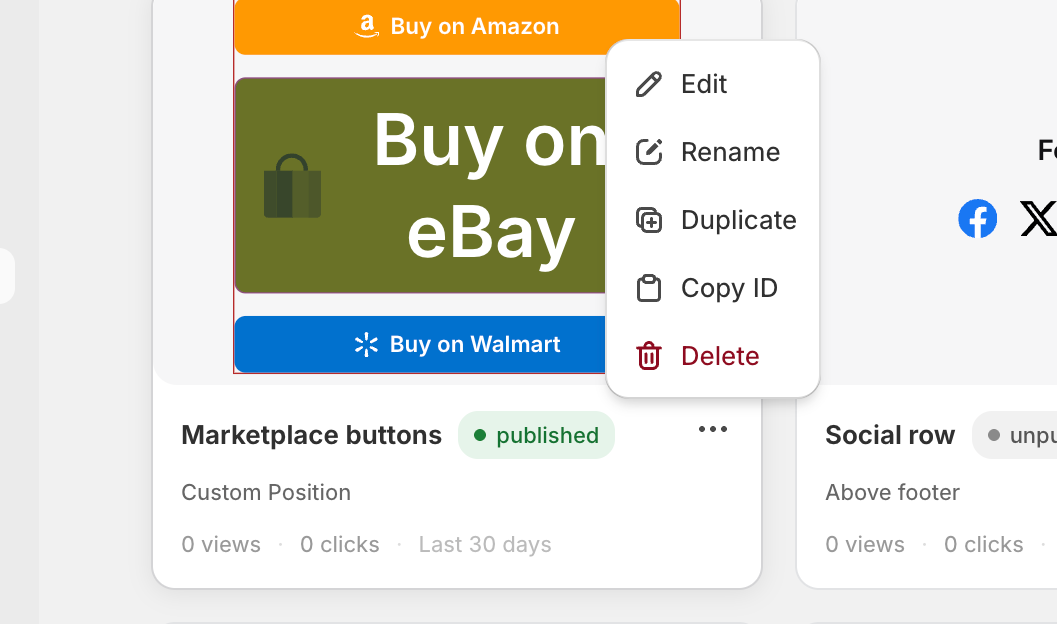
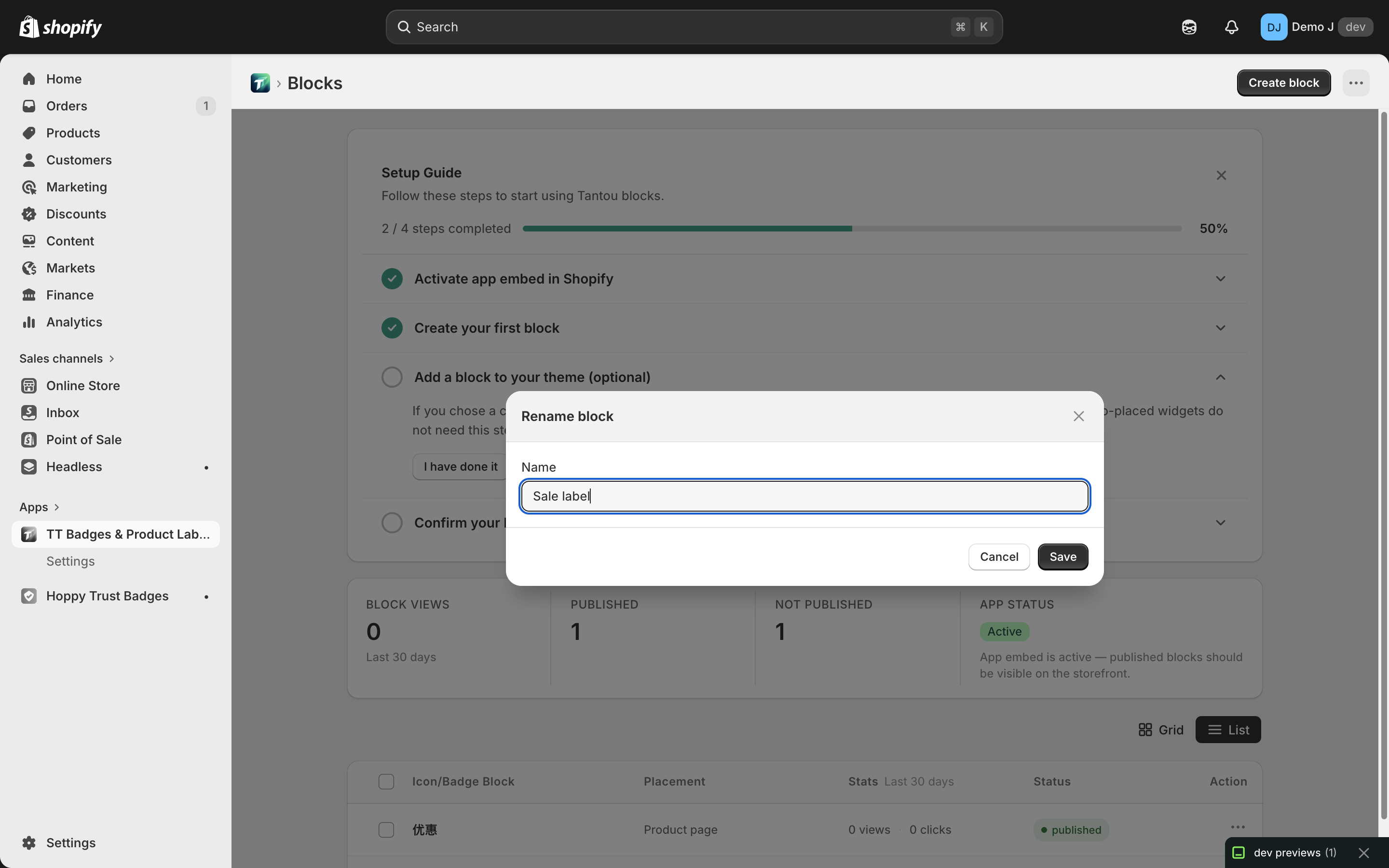
3. Rename
Section titled “3. Rename”Duplicate defaults to “My Block” — recommend immediately ⋯ → Rename to a recognizable name.
4. Modify duplicate’s position / rules
Section titled “4. Modify duplicate’s position / rules”Enter the duplicate’s editor:
- In Target tab change Placement or add finer rules
- Content fields preserved (the point of reuse is identical content)
5. Publish independently
Section titled “5. Publish independently”The duplicate and original publish, count stats independently.
How duplication is processed
Section titled “How duplication is processed”When duplicating, the system (commit 189e7a9):
- Regenerates component IDs — avoids duplicate ID conflicts with the original
- Remaps locales keys —
config.localestranslation map’s component ID references auto-remap to new IDs, so translations follow the duplicate - Preserves all content fields — text / heading / button preset etc. fully copied
- Preserves
placement— duplicate defaults to same placement; merchant must change manually
What’s not copied
Section titled “What’s not copied”- Block ID (
config.key) — regenerated - Publish status — duplicate defaults to “Pending”; needs “Publish” click to ship
- Historical stats — doesn’t inherit original’s impression / click data; counts from 0
Cross-type duplication
Section titled “Cross-type duplication”Cross-block-type duplication (e.g. duplicating a complex block as label) is not allowed — server rejects. Reason: label block content schema is incompatible with others (see Block types).
To change type → rebuild a new block.
Will modifying the original sync to duplicates?
Section titled “Will modifying the original sync to duplicates?”No. Duplicate and original are two independent configs; modifying one doesn’t affect the other. To unified-update multiple duplicates, edit each.
Bulk duplication
Section titled “Bulk duplication”Currently the ⋯ menu is a single-block operation; bulk duplication is not supported. To quickly build multiple variants:
- Duplicate one → modify fields → duplicate again → modify fields
- During duplication, placement / visibility is preserved, can serve as a template for further derivation