
Payment icons
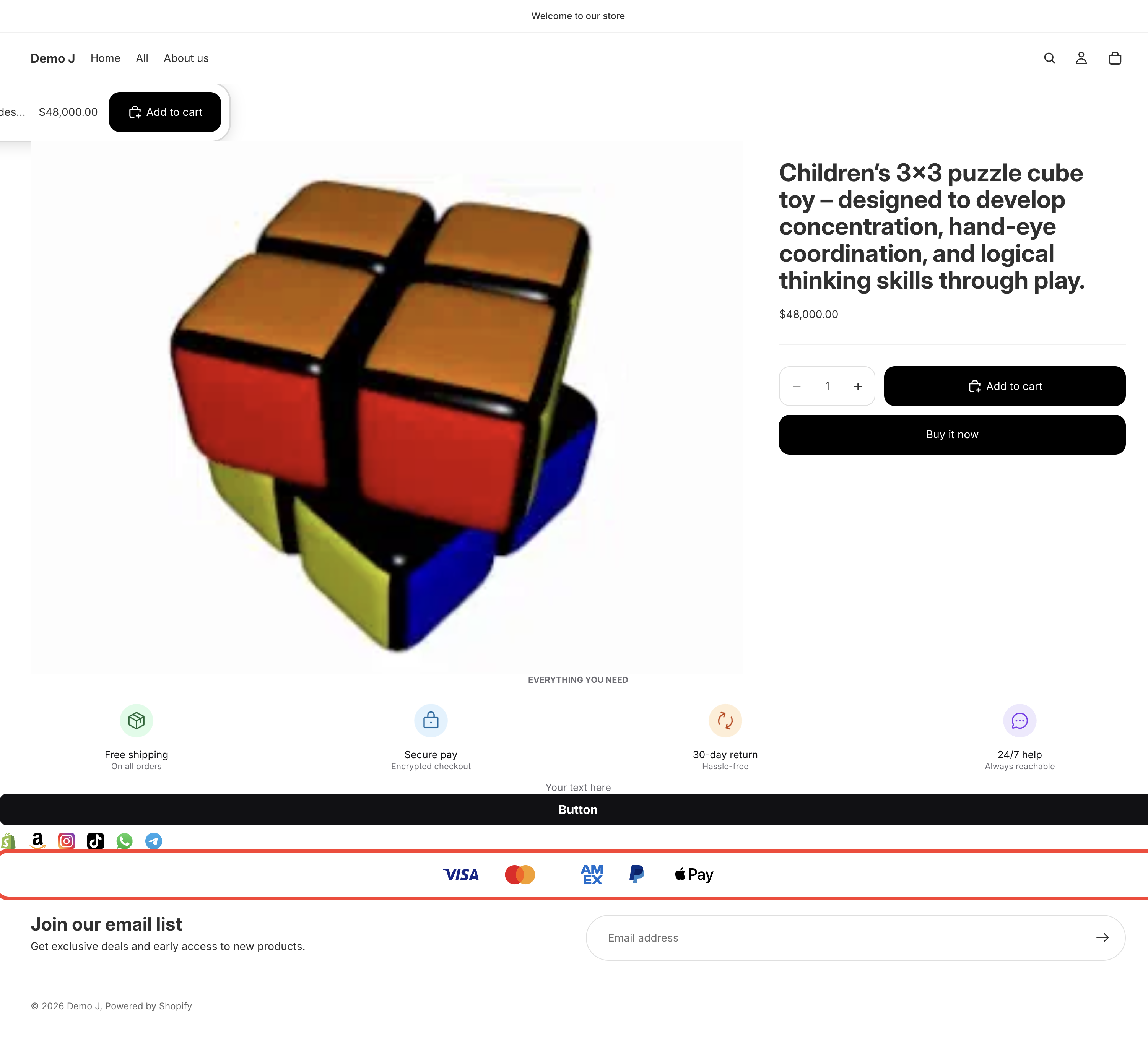
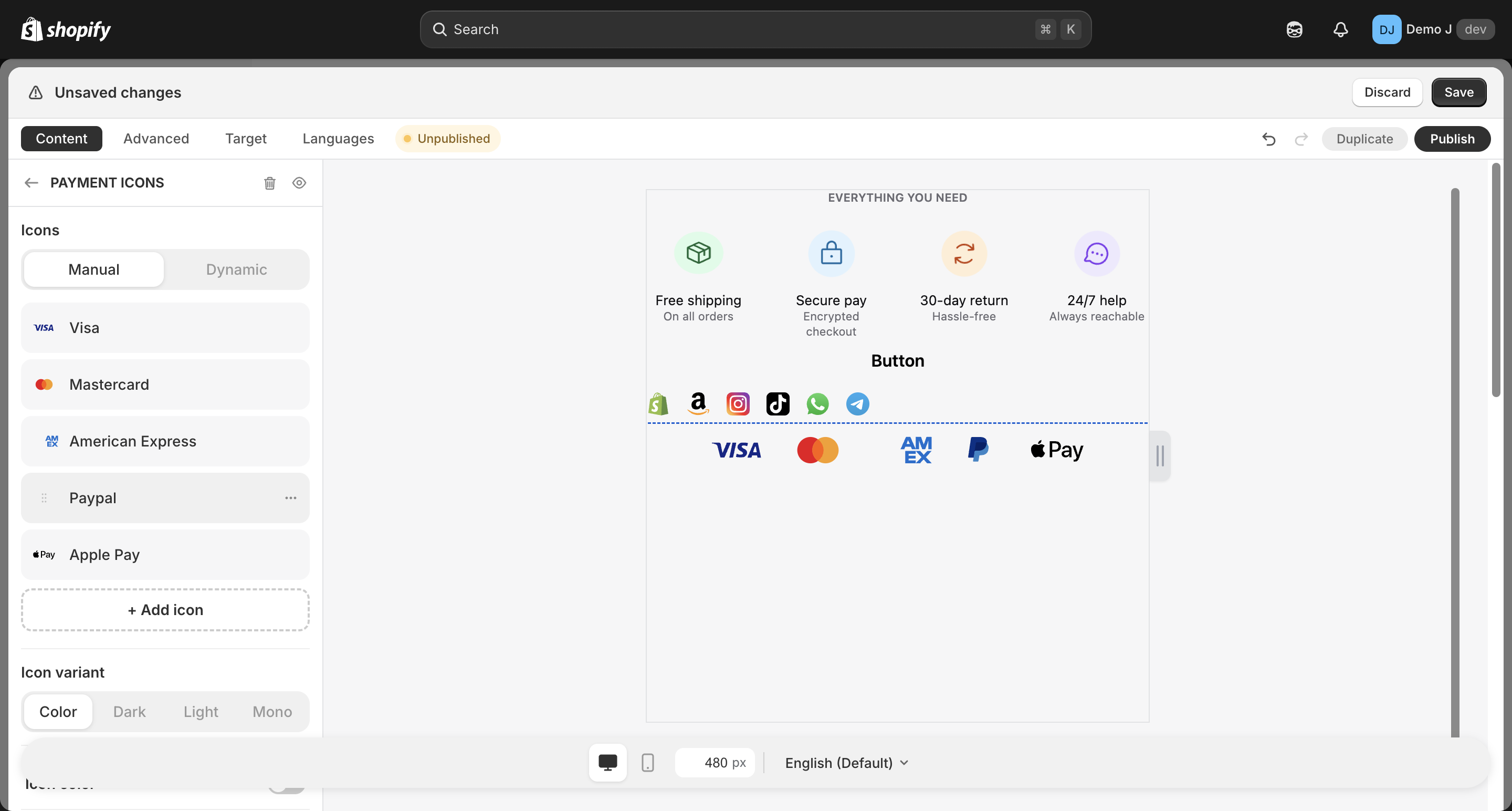
Payment icons (type: payment_icons, display name “Payment icons”) displays the shop’s supported payment methods. Can be specified manually or auto-inferred (Dynamic mode).
Container fields
Section titled “Container fields”Icon content
Section titled “Icon content”- Mode toggle: Manual / Dynamic
- Manual: drag to reorder, “Select icon” opens icon picker (tab: Payment); merchant picks which payment methods to display
- Dynamic: “Auto-display payment methods enabled in your Shopify store.”
Dynamic mode
Section titled “Dynamic mode”When payment_icons.mode === "storefront" (i18n display name “Dynamic”):
- System reads Shopify
shop.enabled_payment_types(injected aswindow.__TTB_PAYMENT_TYPES__in theme Liquid) widget.jsfilters which payment icons to show based on this array- Auto-syncs when merchant enables / disables payment methods in Shopify backend
So when a merchant enables Apple Pay, Visa, Mastercard, PayPal in Shopify Settings → Payments, the block auto-displays those 4 icons — no need to re-select in TT Badges & Product Labels editor.
Variant rules (icon style)
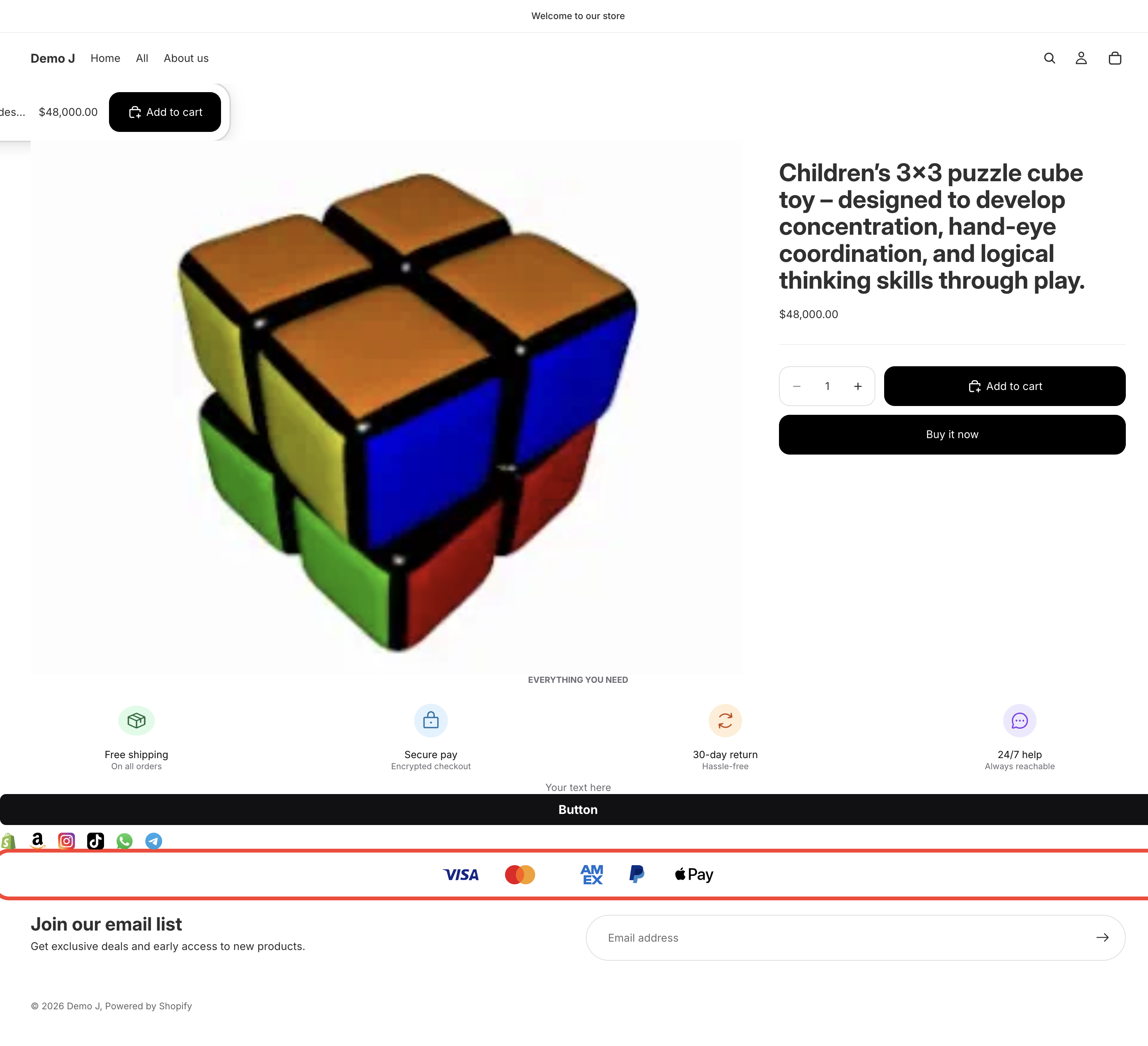
Section titled “Variant rules (icon style)”Icon style (variant, i18n iconStyle):
| Variant | Meaning |
|---|---|
Color (color) | Each method’s official brand colors |
Dark (dark) | Light-on-dark icons for dark backgrounds |
Light (light) | Dark-on-light icons for light backgrounds |
Mono (mono) | Black & white monochrome icons |
Each variant maps to different R2 icon resources. Once a variant is selected, all payment icons switch uniformly.
Some brands only have partial variants (e.g. some card networks lack a dark variant); falls back to color when missing.
Card mode (optional)
Section titled “Card mode (optional)”- Icon color — toggle + Border color
- “Wrap each child in a card” + Card background / Card border / Card radius
Layout
Section titled “Layout”- Direction — Horizontal / Vertical
- Justify
- Desktop icon size / Mobile icon size
- Desktop gap / Mobile gap
- Radius
- Hover animation
- Spacing — responsive
Relationship to other components
Section titled “Relationship to other components”- Children editing: dynamic mode has no children editing (auto-renders per
__TTB_PAYMENT_TYPES__); manual mode allows drag-reorder + delete individual items - Difference from Brand icons:
brand_iconsis typically social / marketing brands (Instagram / TikTok etc.),payment_iconsis specifically payment methods (Visa / PayPal etc.), different R2 resource categories