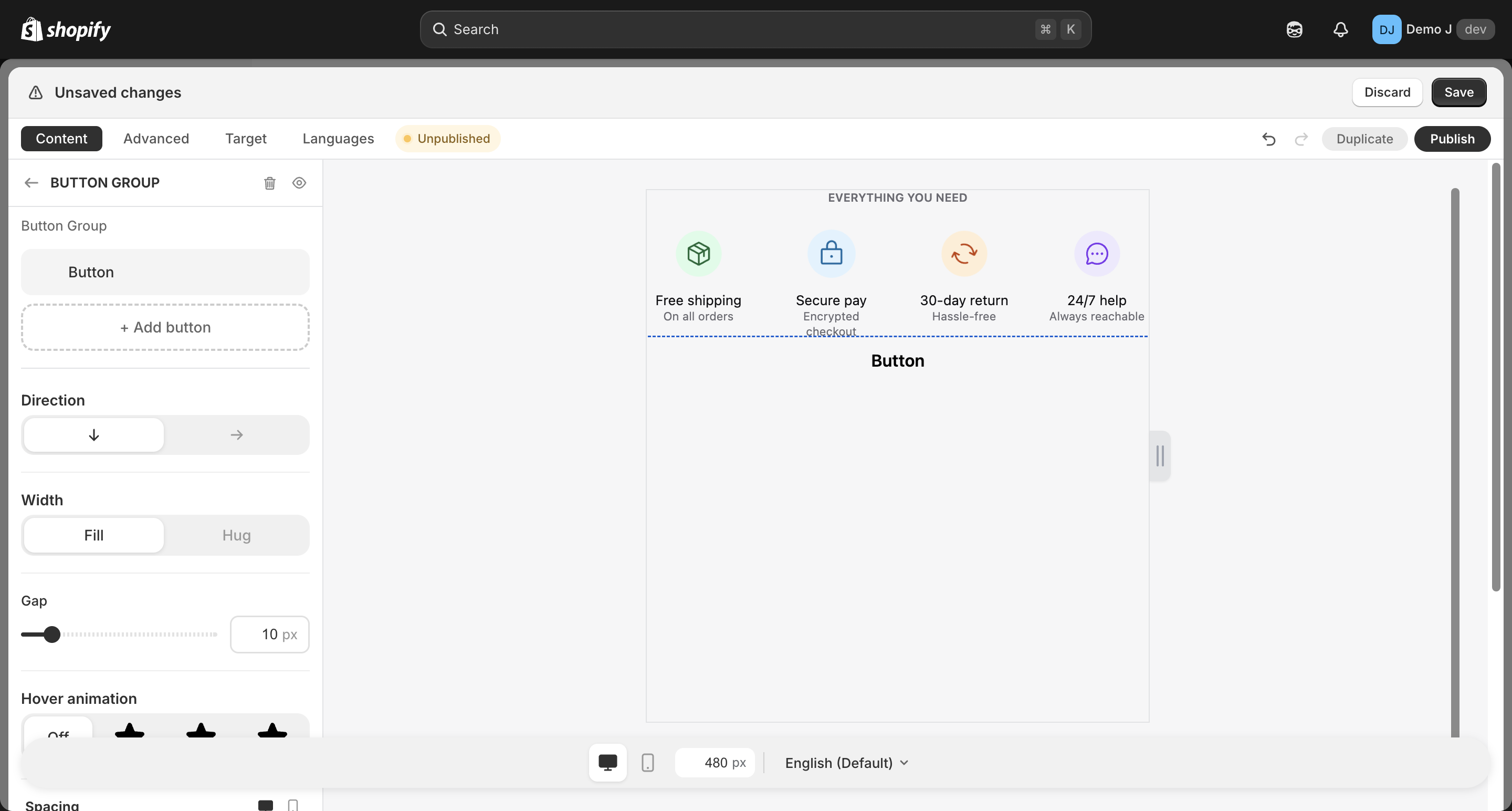
Button list
Button list (type: button_list, display name “Button Group”) is a container holding multiple Button children, unified layout and styling.
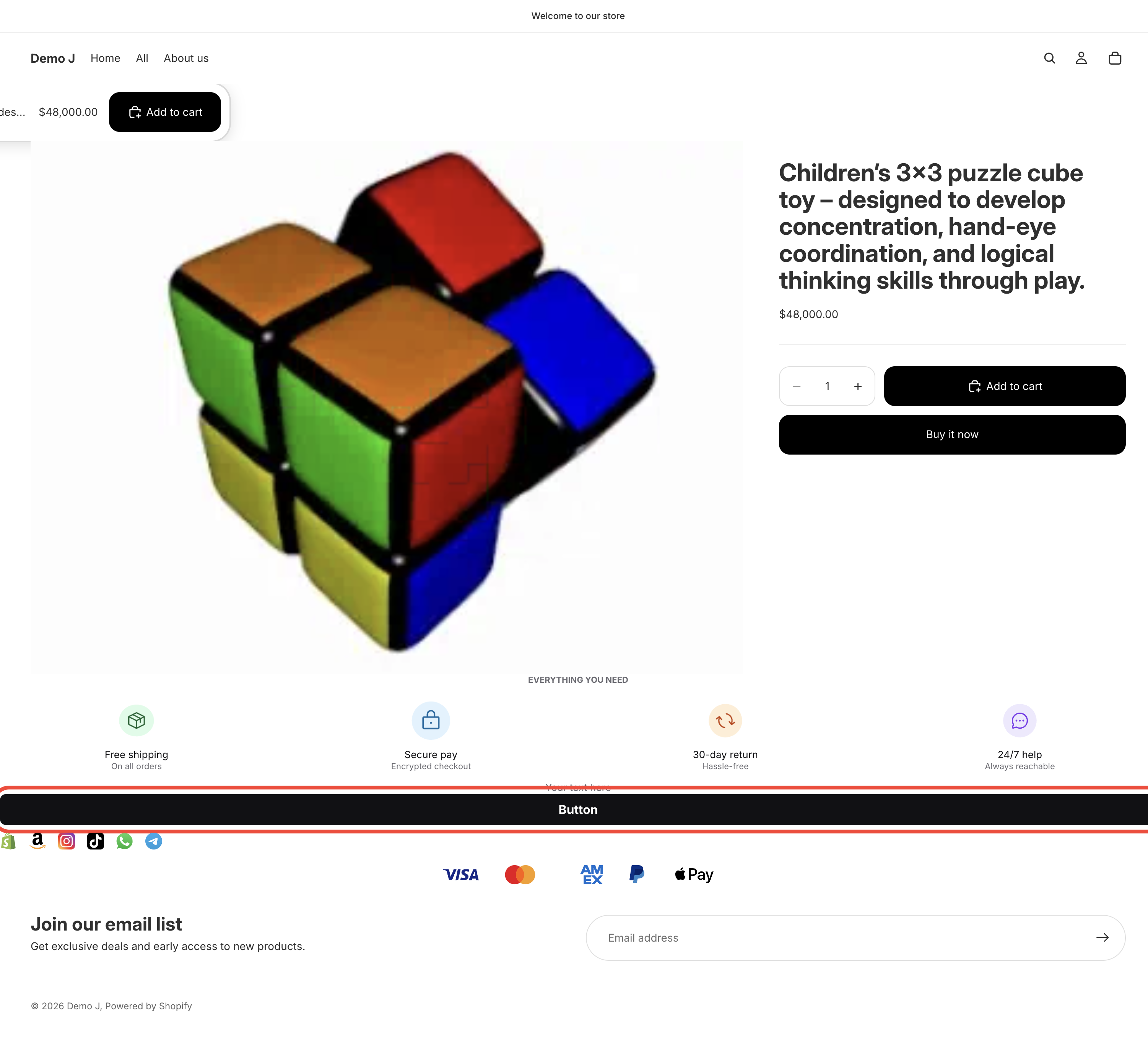
Container layout
Section titled “Container layout”- Direction — Horizontal / Vertical
- Justify — Start / Center / End / Space between / Space around
- For column direction also: cross-axis align
- Gap — child spacing
- Background (Fill type)
- Border
- Radius
- Button preset support — see Button three preset categories (Purchase / Social / Contact)
Card mode (toggle on)
Section titled “Card mode (toggle on)”- Card background / Card border / Card radius / Card padding
- Hover animation
- Button animation (nudge) for child buttons
- Spacing — responsive Padding / Margin
Children
Section titled “Children”Each child is a Button with full button fields:
- Label — button text
- Link — URL + “Target” (Same tab / New tab)
- Background / Text color / Radius / Padding
- Icon (optional, with picker)
Add via ”+ Add button” or pick from “Button preset” submenu (one-click insert with brand defaults).