
Brand icons
Brand icons (type: brand_icons, display name “Brand icons”) is a container holding multiple Brand icon children, unified layout and styling.
Brand library categories include e-commerce channels, social media, SNS / messaging — see Reference - Icon library.
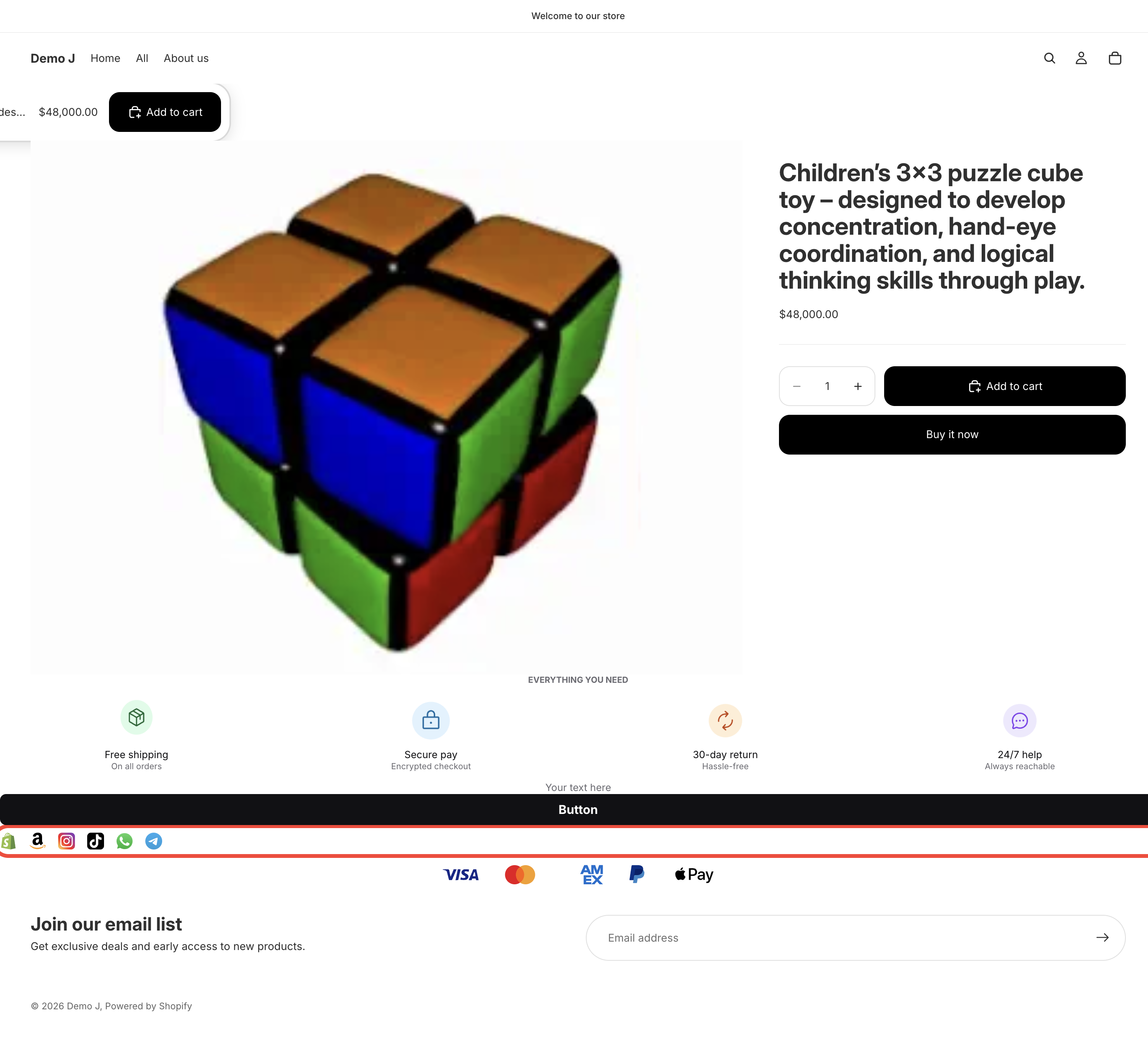
Container layout
Section titled “Container layout”- Direction — Horizontal / Vertical
- Justify — Start / Center / End / Space between / Space around
- Gap — child spacing
- Desktop icon size / Mobile icon size — unified for all children
- Desktop gap / Mobile gap
- Icon picker (tab: Brand); variants Color / Mono
- Link — destination URL + “Target” (Same tab / New tab)
Card mode (toggle on)
Section titled “Card mode (toggle on)”- Card background / Card border / Card radius / Card padding
- Hover animation
- Spacing — responsive
Children
Section titled “Children”Child editing: see Brand icon (item).