Coupon
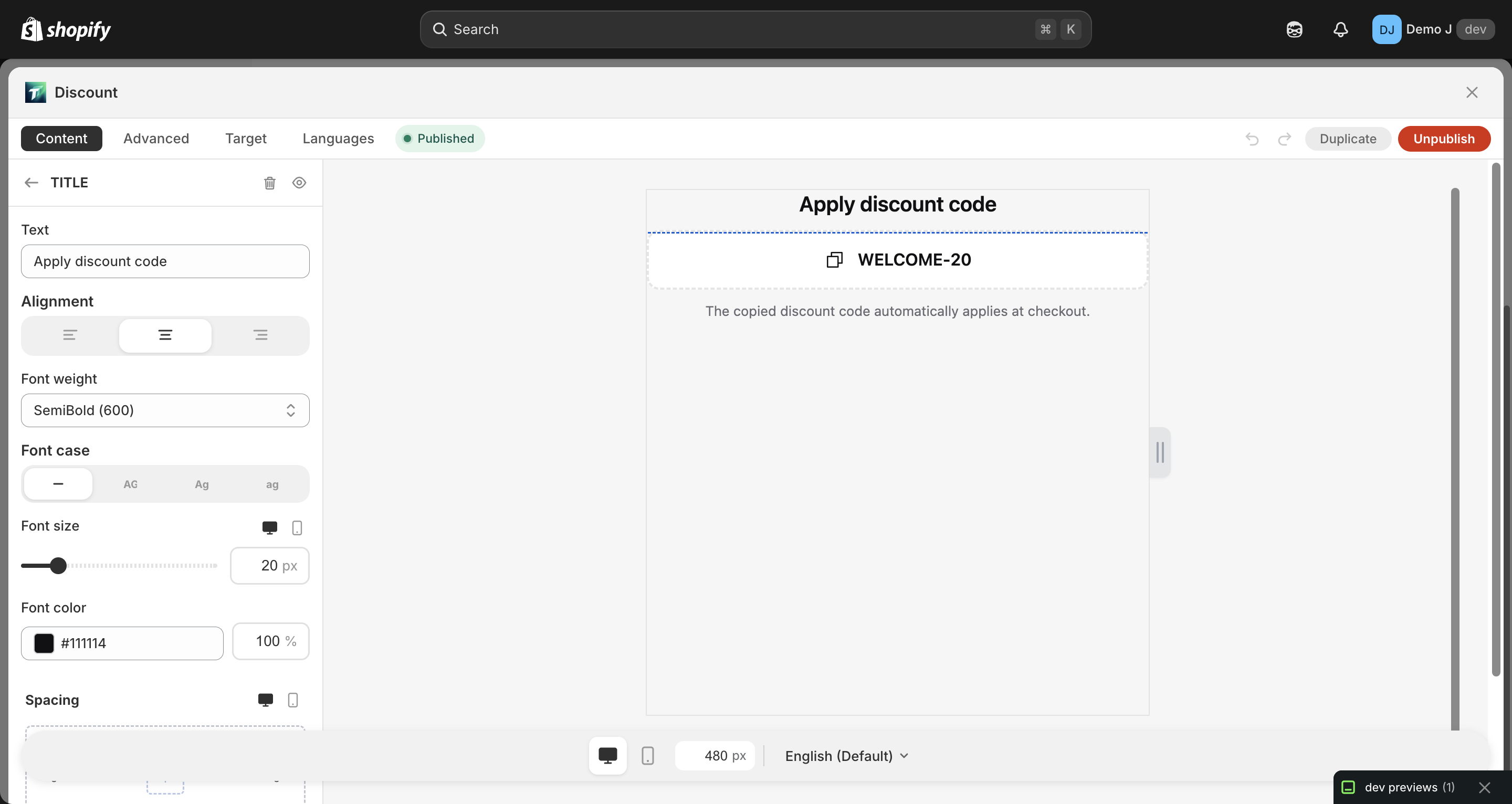
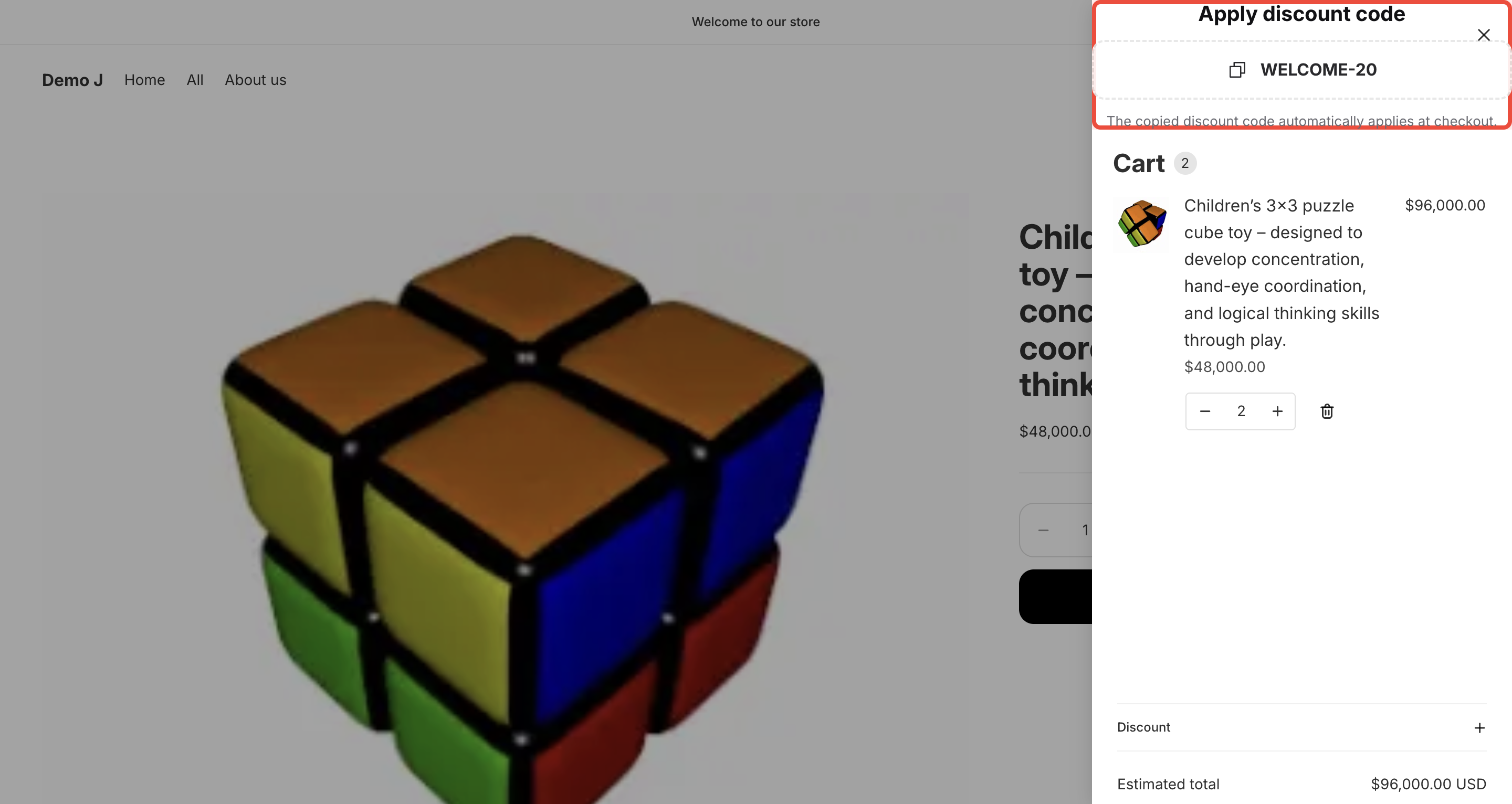
Coupon (type: coupon, display name “Coupon”) displays a copyable discount code. Includes label text, discount code, and expiration time.
Fields
Section titled “Fields”- Label — coupon caption (e.g. “10% OFF”)
- Code (
code) — the discount code value (paste from Shopify Discounts page) - Expires at (
expiresAt) — optional expiration time- Tip: “Coupon auto-hides on storefront after this time. Leave empty for no expiration.”
- Background — Fill type
- Text color / Code color
- Border — color / opacity / width
- Radius
- Padding — responsive
Icon (optional)
Section titled “Icon (optional)”- Icon picker
- Position (left / right)
Animation
Section titled “Animation”- Hover animation
- Button animation (nudge) for sustained attention
Click behavior
Section titled “Click behavior”When customers click the coupon:
- Code is auto-copied to clipboard (toast: “Copied!”)
- Simultaneously triggers
fetch("/discount/CODE", { redirect: "manual" })to auto-apply discount - If the discount code exists in Shopify Discounts, it applies on next checkout
i18n hint: “Copied to clipboard and applied to checkout.”
Setup flow
Section titled “Setup flow”To make the discount actually work, the merchant must first create the discount code in Shopify Admin → Discounts. Detailed flow: Make coupon work.
Expiration behavior
Section titled “Expiration behavior”After expiresAt is reached:
- Client
widget.jsdetects current time >expiresAt→ the entire coupon component auto-hides - No need for merchant to manually unpublish