
Show different blocks by traffic source (UTM)
Use Target tab’s UTM dimension (Pro feature) to switch display by traffic source. Common scenarios:
- TikTok visitors see exclusive coupons
- Email visitors see returning-customer thank-you block
- Google Ads visitors see product differentiation / trust badges
1. Create multiple blocks
Section titled “1. Create multiple blocks”Create one block per traffic source (use Reuse block to speed setup).
2. Configure UTM dimension for each
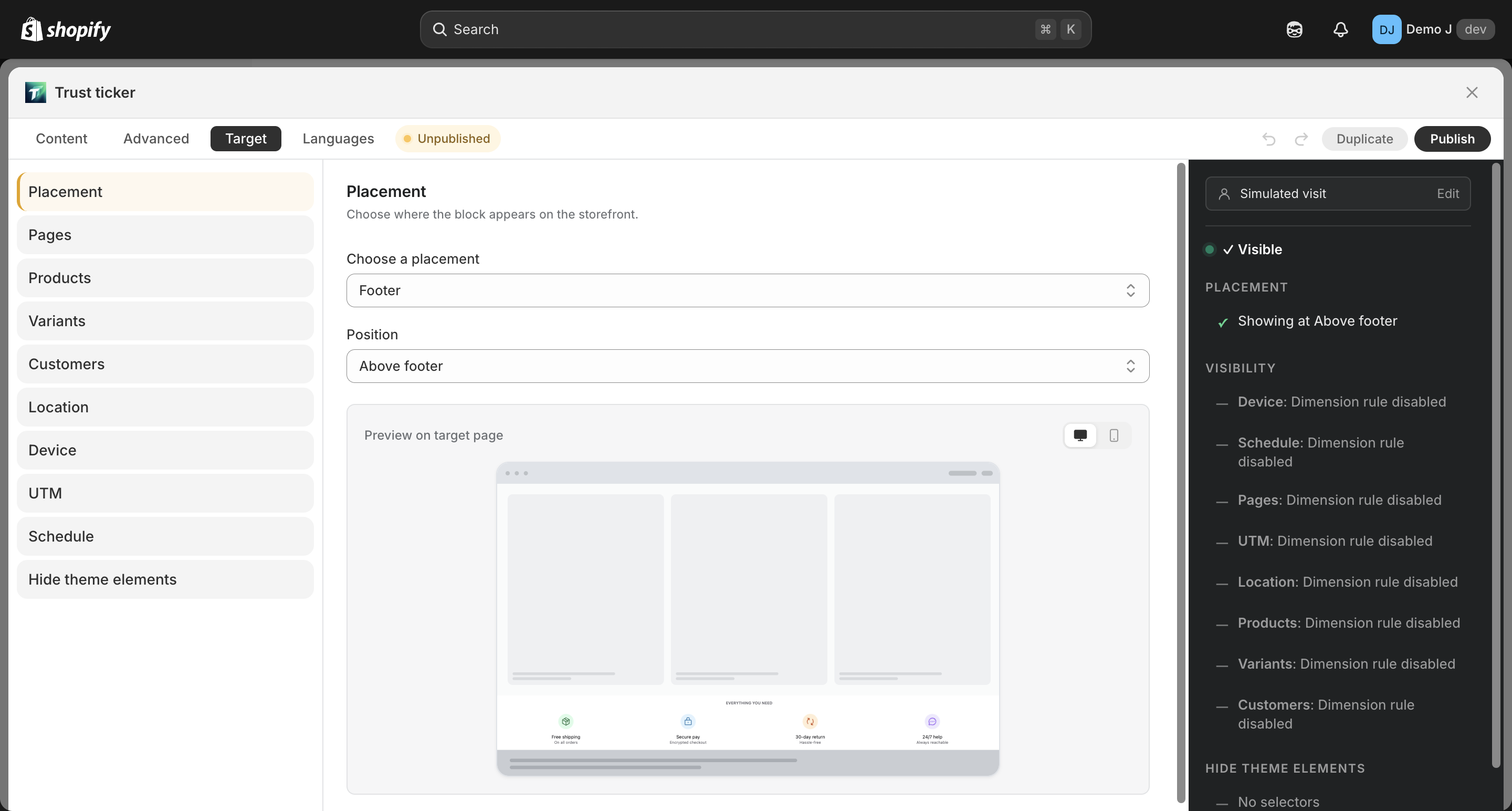
Section titled “2. Configure UTM dimension for each”Enter Target tab → UTM → set Include / Exclude.
| UTM row | Purpose |
|---|---|
utm_source | Traffic source (tiktok / google / facebook / email, etc.) |
utm_medium | Medium (cpc / social / email / referral, etc.) |
utm_campaign | Campaign name (blackfriday / launch / valentines, etc.) |
utm_term | Keywords (search ads) |
utm_content | Creative ID (distinguish different assets in same campaign) |
Custom UTM rows (e.g. utm_id, non-standard) can be added.
3. Use corresponding utm params in placement channels
Section titled “3. Use corresponding utm params in placement channels”In ad / email links, attach utm params:
https://shop.com/products/foo?utm_source=tiktok&utm_campaign=blackfriday4. Verify with Simulator
Section titled “4. Verify with Simulator”In Target tab’s right Simulator sidebar, paste a real link with utm in the URL field. Tip: “Paste a real URL: page type, selected variant (?variant=N), and UTM params (utm_source / medium / campaign / …) are parsed automatically. Product pages also fetch live metafields and variants.”
UTM session persistence (important)
Section titled “UTM session persistence (important)”Real visitors rarely keep UTM params across page navigations. The system records UTM on the landing page (the first page with UTM) into sessionStorage, and subsequent pages fall back to it (commit 599c1ec):
1. Customer enters from TikTok link → URL has utm_source=tiktok ↓ widget.js writes sessionStorage["__TTB_UTM__"] = { utm_source: "tiktok", ... }2. Customer clicks other links in the store (e.g. product detail page) ↓ URL no longer has UTM ↓ evaluator falls back to sessionStorage3. UTM dimension still matches utm_source = tiktok rule4. Customer closes tab → session ends → UTM history clearedThis means merchants don’t worry about “customer lost UTM after one ad click and second page view” — session-wide persistent.
UTM matching rules
Section titled “UTM matching rules”| Case | Behavior |
|---|---|
| Multiple values in same UTM row | OR — any match wins (e.g. utm_source includes tiktok OR instagram, either source matches) |
| Different UTM rows | AND — all must match (e.g. utm_source = tiktok AND utm_medium = social) |
| Include vs Exclude | Within a row, exclude precedes include (first check exclude list, then include) |
| UTM dimension not configured | Inactive — block visible to all traffic sources |
UTM combination with other dimensions
Section titled “UTM combination with other dimensions”UTM dimension AND-combines with other 8 dimensions. For example:
- UTM =
tiktok+ Pages =Product page= block shows only for TikTok visitors on product pages