
Settings
Controls the TT Badges & Product Labels admin language and subscription. Access from the home page top-right “Settings”.
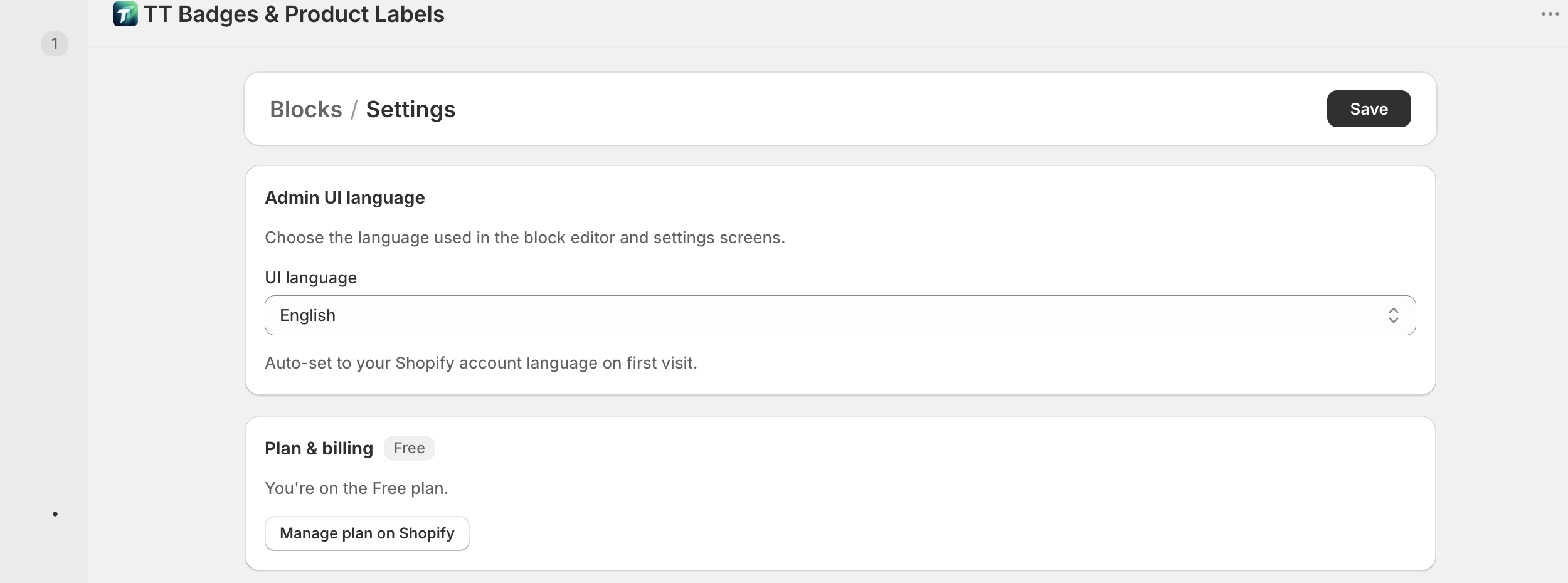
- Breadcrumb: Blocks / Settings
- Primary action: “Save” button
Admin UI language
Section titled “Admin UI language”- Card title: “Admin UI language”
- Description: “Choose the language used in the block editor and settings screens.”
- Field label: “UI language” — combobox listing 20 supported languages
- Hint below: “Auto-set to your Shopify account language on first visit.”
Plan & billing
Section titled “Plan & billing”- Card title: “Plan & billing” + plan badge (Free / Pro)
- Status line: “You’re on the Free plan.” / “You’re on the Pro plan.”
- “Manage plan on Shopify” button → opens the billing page in Shopify
